InsightsLanding page design
Landing Page Design: The Framework for High-Converting Pages in 2026
The structure, copy, proof and forms that turn paid traffic into enquiries, with sourced benchmarks and a real paid search test in which an explanatory homepage beat a dedicated quote page.
26 March 2026Updated 28 September 202621 min readEdited by Michael Wilkins
Direct answer
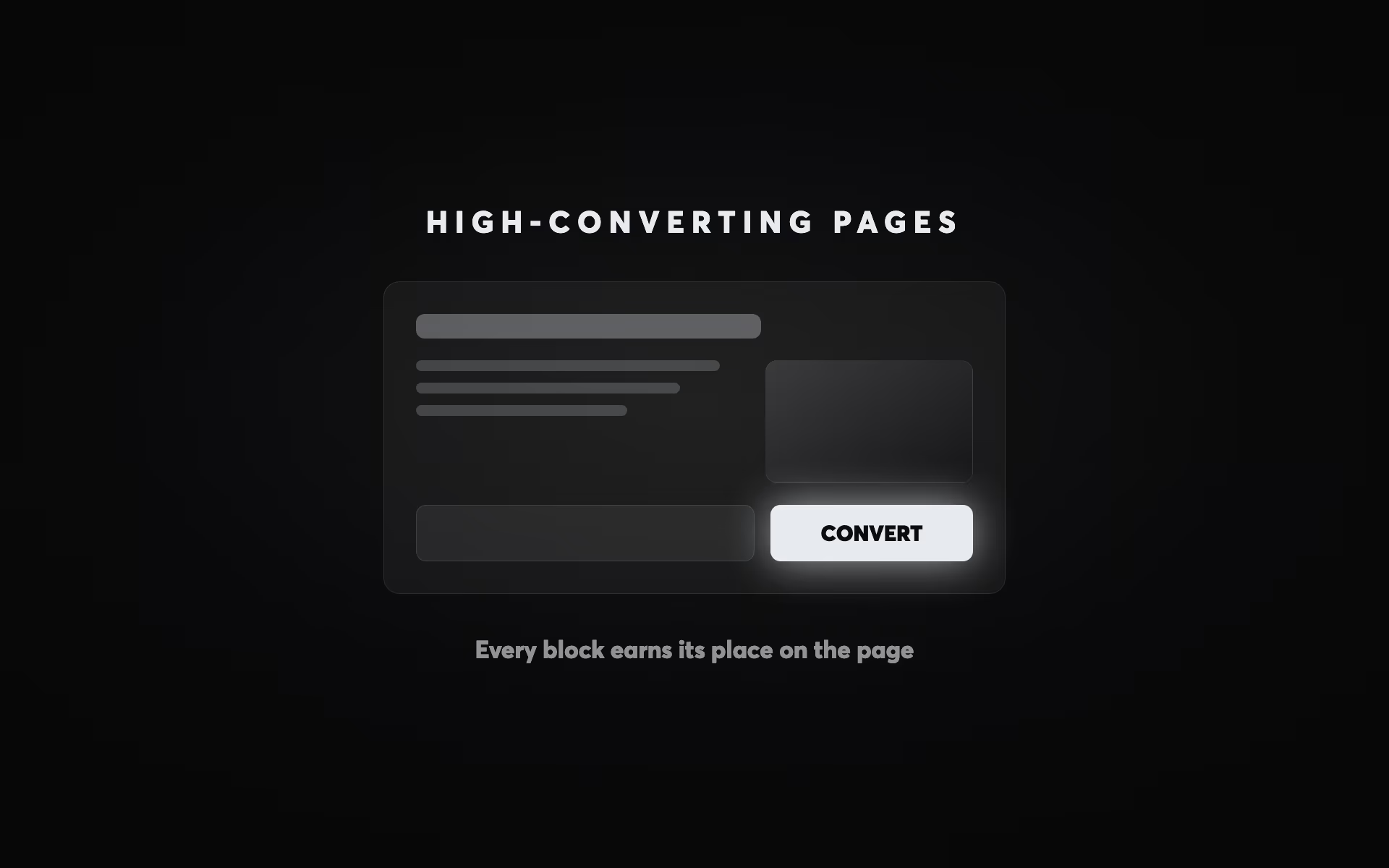
A high-converting landing page answers the question the ad raised, for the person who clicked it, and makes one next step easy: a headline that matches the ad or search, a short statement of what you offer and for whom, proof a sceptical buyer will believe, and one primary call to action with a short form. The median landing page in Unbounce's 2024 benchmark converted 6.6% of visitors. The usual advice is to build a dedicated page rather than send ads to the homepage, but test the destination: in a paid search account for an Australian strata insurer, the homepage, which explained the product, came in under A$80 per quote against more than A$980 for a page that went straight to the quote engine, because committee-led buyers needed the context first.
You're paying for Google Ads or Meta campaigns, sending the traffic to a page, and watching most of it leave. That's normal: the median landing page in Unbounce's 2024 benchmark, which covered more than 41,000 pages and 464 million visitors, converted 6.6% of them, and the medians for individual industries ranged from 3.8% to 12.3% (Unbounce Conversion Benchmark Report). Traffic quality matters, but so does the page, and the page is the part you control completely.
This guide covers the pages your ads point to: what goes above the fold, how to write and prove the offer, forms, speed, testing, and how the page should change with the campaign. Where we can, the evidence comes from real accounts, including a paid search test in which the page that should have lost won.
Start with the page the ad deserves
Most landing pages fail on strategy before they fail on design. The first mistake is sending paid traffic to a page that wasn't built for it. When we audited MLA Traffic's inherited Google Ads account, every ad pointed at the homepage, because the site had no service pages to point them at; paid traffic was arriving at a page that couldn't answer the question that brought it. The rebuild gave every service and every area its own page, so each ad now lands on the page that matches the search.
The second mistake is mismatched messaging. Someone who clicks an ad for "commercial kitchen cleaning in Parnell" and lands on a page headed "Welcome to our cleaning company" has to work out whether they're in the right place, at exactly the moment they were ready to act. The closer the headline mirrors the words in the ad and the search, the less work the visitor has to do.
The third is too many options. Every extra offer, link and navigation item is another way to leave without doing the one thing the page is for.
The usual conclusion is "always build a dedicated landing page", and it's usually right. But test it, because the best destination is the one that answers the buyer's real questions, and that isn't always the shortest path to a form. In a paid search account for a specialist strata insurer in Australia, we split the traffic 50/50 between the homepage and the direct quote engine. The quote engine cost more than A$980 per quote. The homepage, which explained the product in the way committee-led buyers need before they commit, came in under A$80 per quote, so all the traffic went there. Strata insurance is decided by a committee, not a unit owner, and the page that educated them won.
Above the fold: the first screen
The first screen gets most of the attention a page will ever get. In Nielsen Norman Group's 2018 eyetracking study, people spent 57% of their viewing time above the fold and 74% within the first two screens (NN/g, 2018). People do scroll, but the first screen has to do four things at once: name the visitor's problem, say what you offer, show why you're credible, and make the next step obvious.
The headline comes first: a plain statement of what you do and who it's for. Not clever wordplay, and not your company name. The sub-headline narrows it down. If the headline is "More enquiries from your website", the sub-headline might be "We build fast websites for New Zealand accounting firms, designed to turn visits into booked calls." It qualifies the right visitor in and the wrong one out.
The primary call to action should be impossible to miss. Contrast matters more than any particular colour: the button has to stand out from everything around it. The words matter too. "Get my free audit" says what happens next in a way "Submit" never can, and first-person wording ("my" rather than "your") is a cheap variant to test.
Trust belongs on the first screen as well, close to the call to action, and the most useful trust signal is whatever your buyer has to see before they can say yes. When we rebuilt MLA Traffic's site, the credentials went above the fold: VicRoads pre-qualification for traffic management design and implementation, Categories 1 and 2, AS 1742.3 and Austroads AGTTM, and 24/7 availability with under two-hour metro mobilisation. A principal contractor can't legally engage a traffic management company without the pre-qualification, so it goes first, not in the footer.
| Metric | Figure | Context and source |
|---|
Below the fold: problem, proof, process
Once the first screen has earned attention, the rest of the page has to remove the reasons not to act. The structure that works across professional services, B2B and SaaS runs from problem to proof to process: show you understand the problem, show you solve it better than the alternatives, and show exactly what happens next.
The problem section names the frustration in the words your customers use, not in marketing language. "You're paying for clicks that land on a homepage built for everyone" lands harder than "We help businesses improve their digital presence."
The solution section talks in benefits, not features. "Fast page load times" is a feature. "Visitors stop leaving before the page appears" is a benefit. Every line should answer the reader's unspoken question: what does that mean for me?
The proof section is where most pages under-invest. Specific beats generic: a testimonial that names the person and the company and says what changed, and by how much, is worth ten that say "Great team, really professional." A named case study with a dated result is stronger still, and client logos help when your buyers will recognise them. Whatever you use, it has to be true and checkable; a sceptical buyer will check.
The process section makes the next step visible. People hesitate when they don't know what happens after they press the button. Three plain steps ("Tell us about the job. We call you within one working day. You get a fixed quote.") remove most of that uncertainty.
Copy that converts: writing for decision-makers
Your landing page is selling when nobody from your team is there to answer questions, so the copy has to raise the objections itself and answer them.
The PAS framework (Problem, Agitate, Solution) is a dependable structure: name the problem precisely, spell out what it costs to leave it unsolved, then present your offer as the way out. It works because it follows the visitor's own thinking: they arrived with a problem and they're deciding whether you can solve it.
AIDA (Attention, Interest, Desire, Action) maps onto the page itself: the headline wins attention, the value proposition creates interest, the proof and benefits build desire, and the call to action asks for the action. Most pages overspend on attention and underspend on desire. Proof, case studies and specific outcomes are what build it.
A few headline patterns that are worth testing in professional services and B2B:
- Outcome: "[Specific result] for [audience] without [common objection]", as in "More enquiries from your website, without spending more on ads".
- Contrast: "Stop [current pain]. Start [better state]."
- Proof: "[Number] [audience] have used [offer] to [result]", only if the number is real.
- How-to: "How to [outcome] in [timeframe], even if [obstacle]."
Plain words help. In Unbounce's 2024 data, pages written at a 5th to 7th grade reading level converted at 11.1%, against 5.3% for professional-level writing, and conversion rates tended to fall as word count, reading time and the number of difficult words rose. That's a correlation, not proof, but it points the same way as most copywriting advice: short sentences, common words, one idea at a time.
Trust signals: the part most pages underuse
Trust decides every conversion. A visitor who trusts you enquires; one who doesn't, leaves. Yet trust signals are often treated as decoration, with a strip of logos at the bottom and a generic "5-star rated" badge, rather than as the reason people act.
Placement matters as much as presence. The strongest spot is right next to the primary call to action, at the moment of greatest hesitation: a testimonial just above the form, a credential beside the button, a relevant client logo under the headline.
For B2B pages, we'd rank the evidence roughly like this, strongest first: case studies with specific, dated outcomes; named video testimonials; named written testimonials with photos; logos your buyers recognise; industry accreditations and licences; review-platform ratings; generic star badges. The higher up that list your proof sits, the more work it does.
There's one more reason to make proof specific and checkable. AI assistants now answer questions like "which accountants in Hamilton specialise in farm businesses?" by drawing on what's published on the web, your pages included. Vague praise gives them nothing to repeat; a named client, a dated result and a stated credential do. How we approach being named in those answers is on our generative engine optimisation (GEO) page, and where it fits in a wider search plan is covered in our SEO strategy guide.
Forms and friction
The form is the last place a visitor can change their mind, so every field has to earn its place. Ask for the least you need to follow up well, and gather the rest afterwards.
For B2B lead generation that's usually name, email and company, perhaps with a phone number. Budget, timeline and other qualifying questions filter out poor-fit leads, but they also put off genuinely interested people who aren't ready to answer them before a conversation. Save them for the call. The exception is when you have more enquiries than you can handle; then some deliberate friction is a sensible filter.
The form's heading matters. "Request a fixed quote" beats "Contact us" because it names what the visitor gets. The form should feel like the start of something useful, not a data grab.
On phones, a sticky call to action, a button that stays pinned to the bottom of the screen as the visitor scrolls, keeps the next step one tap away on a long page. Mobile deserves the attention: Unbounce found that in some industries up to seven times as many visitors arrive on mobile as on desktop, yet mobile often converts at a lower rate. Multi-step forms, which ask for a name and email first and the details after, can also help, because people who have started are more likely to finish. Test both against your current form rather than assuming.
Mobile-first landing pages
For most paid campaigns, landing page design is mobile design. On a phone there's no room for navigation (drop it, or keep it minimal), the value proposition and call to action have to fit on a 375-pixel-wide screen without scrolling, form fields need to be big enough to tap, and inputs should use the right types so the phone shows a number pad for a phone number and an @ key for an email address.
Speed is part of the design. Google's 2016 analysis of Google Analytics data from about 3,700 mobile sites estimated that 53% of visits were likely to be abandoned when a page took longer than three seconds to load (Google, 2016). That figure comes from slower networks than today's, but newer evidence points the same way: in a 2021 A/B test, Vodafone found that a landing page with a 31% better Largest Contentful Paint produced 8% more sales and a 15% better lead-to-visit rate (web.dev). Images in modern formats at the right size, fewer third-party scripts and a CDN do most of the work; the details are in our guide to website performance and Core Web Vitals.
Dynamic content is worth using for campaigns that cover several audiences. When someone clicks an ad for "websites for accounting firms" and the headline reads "Websites for New Zealand accounting firms" rather than a generic line, the match does its job. Most page builders and content management systems can swap a headline or a proof block based on a URL parameter, and dedicated personalisation tools do it at scale. Keep it honest: echoing the search is fine, but claiming a local office you don't have isn't.
A/B testing your landing pages
Systematic testing is what separates pages that improve from pages that are redesigned every two years. The method is simple: record a baseline, form a specific hypothesis from real data rather than a hunch, test one change at a time, run the test until the result is statistically significant, then implement the winner and plan the next test. In our experience the elements worth testing first are the destination itself (as the strata insurer's test showed), the headline, the call to action, the form, the proof and its placement, and the length of the page.
Testing needs traffic, and the arithmetic catches people out. If a test needs 5,000 visitors per version and the page gets 1,000 visitors a month, split 50/50 between two versions, it will take ten months. How long a test takes depends on your traffic, your current conversion rate and the size of the difference you're trying to detect, so run the numbers in a sample-size calculator before you start. Lower-traffic sites should test bold changes, such as a different offer, destination or page structure, that produce differences big enough to detect, not button colours.
The ICE model (Impact, Confidence, Ease) helps decide what to test first. Score each idea from 1 to 10 on how much it could move conversions, how confident you are in the reasoning behind it, and how easy it is to run, where 10 is easiest. Average the three and start at the top of the list.
| Test idea | Impact | Confidence | Ease | ICE score |
|---|
Landing pages for specific campaign types
The right page depends on where the traffic comes from and how ready it is to act.
Google Search landing pages should reflect the intent of the search as closely as possible. Someone searching "web designer Auckland" is at a different stage from someone searching "website redesign cost Auckland", and the page should show it. High-intent searches deserve direct offers, a quote or booking call to action and proof from similar clients. Broader, earlier-stage searches do better with an offer that trades something useful, such as a guide, an audit or a checklist, for contact details.
Meta Ads landing pages have to allow for interruption. Search visitors are looking for you; Meta visitors were scrolling through something else. The page needs a stronger hook, a clearer statement of the problem and more proof, because trust starts from a lower base. Video near the top often suits this traffic, since the visitor has just come from a feed full of it.
Retargeting landing pages are for people who already know you. They should acknowledge that, deal with the objections that usually stall a decision (price, timing and risk) and offer a lower-commitment next step, such as a no-obligation consultation, rather than repeating the first pitch.
High-consideration B2B pages need more than a single screen. A decision-maker weighing a large, long-term commitment wants case studies, credentials, a clear explanation of the method and reasons to believe the risk is managed, which is exactly why the strata insurer's explanatory homepage beat its quote engine. For how this works across a whole professional services pipeline, see our professional services guide to winning clients.
Match the call to action to the temperature of the traffic, too. Hot, high-intent search traffic can take "Get a quote" or "Book a call"; colder traffic responds better to "See how it works" or a download.
What's changed: personalisation, AI copy and video
Personalisation is no longer an enterprise-only feature. Swapping a headline, a hero image or a proof block by traffic source, region or industry used to need a development team; most modern page builders and content management systems can now do a simple version of it. Start with the headline and the proof, and test it like any other change.
AI has made variants cheap to write. Generating twenty headline options now takes minutes. The constraint has moved to traffic: you can only test as many versions as your visitor numbers can support, so shortlist the few that differ most and test those. The strategy, meaning which problem, which audience and which proof, still has to come from people who know the buyer.
Video is now common on higher-ticket offers. A short testimonial, a walkthrough of the service or a face explaining what happens after the enquiry can do trust-building work that text struggles to. It costs page weight, so it has to earn its place: test it, and make sure it doesn't slow the first screen.
Choosing where to build landing pages
Landing pages can be built in a page builder, in your website's content management system or in code, and each can work. What matters is whether the pages load fast on a phone, whether your team can change a headline or a form without waiting on a developer, whether you can run a proper A/B test, and whether form submissions reach your CRM with the campaign details attached. Choose on whichever of those the brief needs most; the platform should follow from the job.
Whatever you choose, how a page is built matters more than how it looks. We rebuilt an Australian speciality insurance broker's website to look exactly like the current one, and measured both side by side. The rebuild scored 97 for mobile performance in Google PageSpeed Insights against the current site's 29, and its largest element appeared on a phone in 2.6 seconds rather than 22.7 (lab tests, medians of five runs, 27 September 2026). Two pages can look identical and perform nothing alike.
The arithmetic of getting it right
Conversion rate works directly on cost per lead. Take an illustrative account spending $5,000 a month to bring 1,000 visitors to a page that converts at 3%: that's 30 leads at about $167 each. Lift the page to 6%, still below the 6.6% all-industry median in Unbounce's data, and the same spend buys 60 leads at about $83 each. Nothing about the ads has changed. The calculator earlier in this guide runs the same sum on your own numbers.
Two cautions. Unbounce counts whatever conversion each page owner set, from form fills to click-throughs, so compare yourself with your own history and your own industry rather than the headline median. And improvement comes from testing one change at a time, not from adding every tactic in this guide at once and hoping the gains add up.
If you'd like a second opinion on the pages your ads point to, start with our free website audit; if the site itself is the problem, see how we design and build websites and landing pages.
Related reading: our guide to Core Web Vitals and page speed covers the performance side of landing page conversion, and our technical SEO guide covers crawling, indexing and structured data.
Questions